1. Introduction – My Personal Experience (EEAT)
When I first started using IPTV on my Firestick, I struggled to find a clean, stable, and easy-to-use player. Some apps were too slow, some kept buffering, and others were full of ads.
That’s when I discovered IBO PRO PLAYER, and honestly, it changed my whole streaming experience.
I’ve installed this app on multiple Firestick devices in 2025 and now in 2026, and it remains one of the fastest, smoothest, and most reliable IPTV players available.
So in this guide, I’ll walk you through exactly how to install IBO PRO PLAYER on Firestick step-by-step, the same way I do it for my customers.
If you’re new to IPTV or installing apps on Firestick, don’t worry — I’ll keep everything simple and beginner-friendly.
2. What Is IBO PRO PLAYER?
IBO PRO PLAYER is a modern IPTV application designed to play your own legal IPTV subscription.
It’s not an IPTV provider and does not include channels by default.
The app supports:
- M3U Playlists
- Xtream Codes API
- Username / Password login
- MAC & Device ID activation
IBO PRO PLAYER is known for:
- fast loading
- smooth navigation
- clean & modern interface
- compatibility with Firestick, Android TV, Smart TVs, and mobile
It’s one of the top IPTV players used in 2026 for Live TV, Movies, and Series.
3. Key Features of IBO PRO PLAYER
Here are the features that make this player stand out:
- 🚀 Fast channel loading
- 🔥 Very smooth performance on Firestick
- 🎬 Supports Movies & Series (VOD)
- 🎧 Subtitle support
- 📺 HD, FHD & 4K playback
- 🧭 Clean & intuitive interface
- 📱 Works on all devices (TV, Phone, Tablet, PC)
- ⚡ Lightweight & frequently updated
- 🔐 Easy login system (M3U / Xtream / MAC)
- 👨👩👧 Parental control support
If you want a stable IPTV experience, this app is one of the best choices today.
4. How to Install IBO PRO PLAYER on Firestick (2026)
Here is the full step-by-step installation guide I personally use when setting up Firestick devices.
1️⃣ Enable “Apps From Unknown Sources”
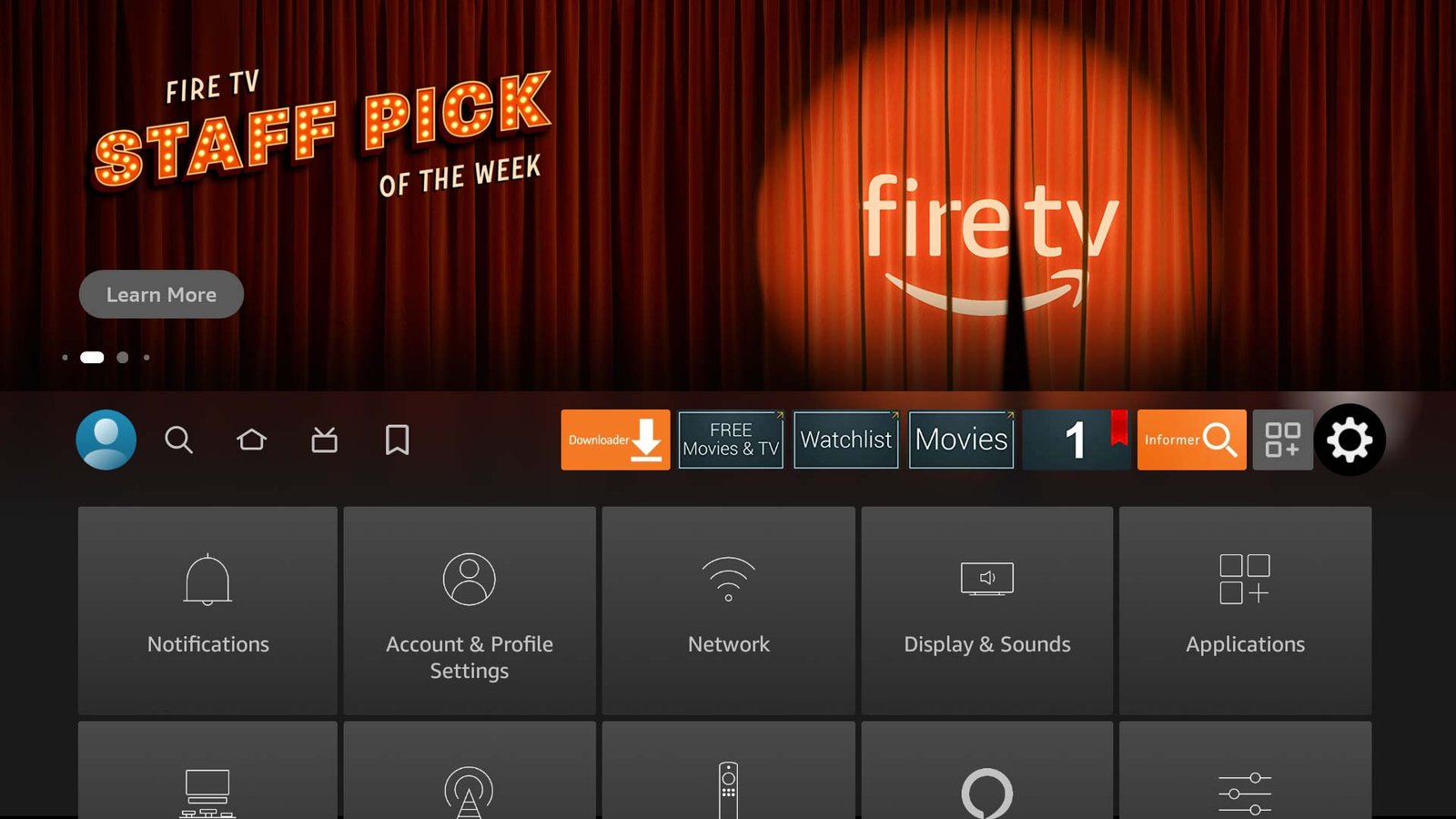
- Open Settings
- Select My Fire TV
- Open Developer Options
- Turn on Apps From Unknown Sources
2️⃣ Install the Downloader App
You need the Downloader app to install IBO PRO PLAYER.
- Open the Amazon Appstore
- Search for Downloader
- Install it
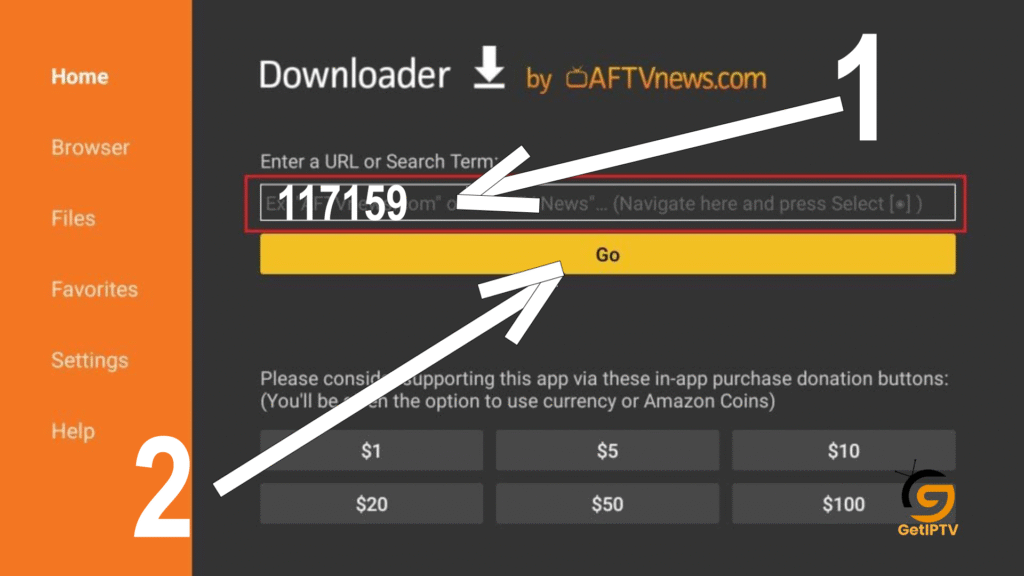
3️⃣ Enter the Download Link/Code
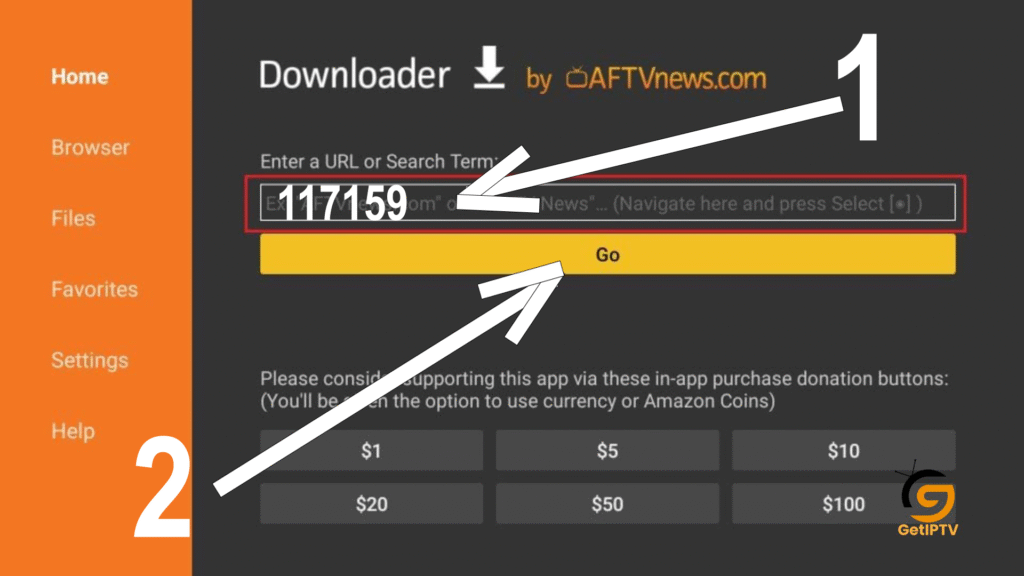
- Open Downloader
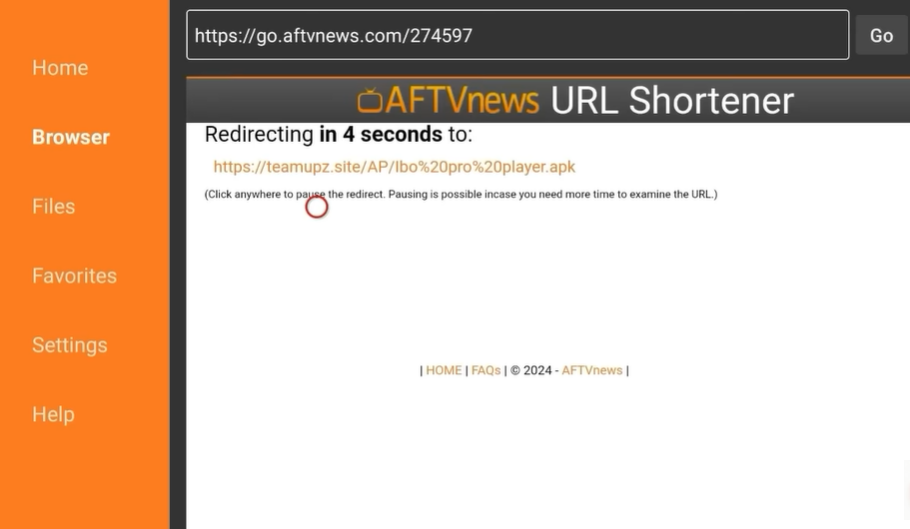
- Enter the IBO PRO PLAYER download code (117159)
- Press Download
4️⃣ Install IBO PRO PLAYER
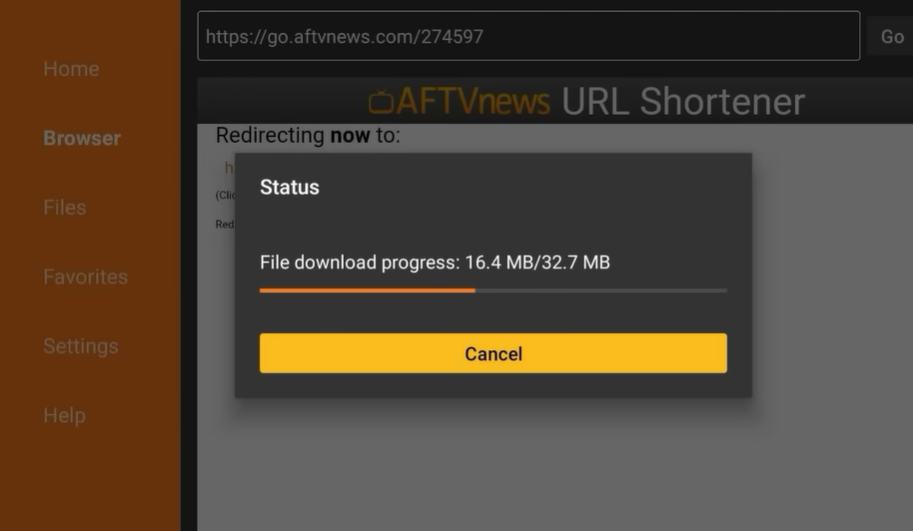
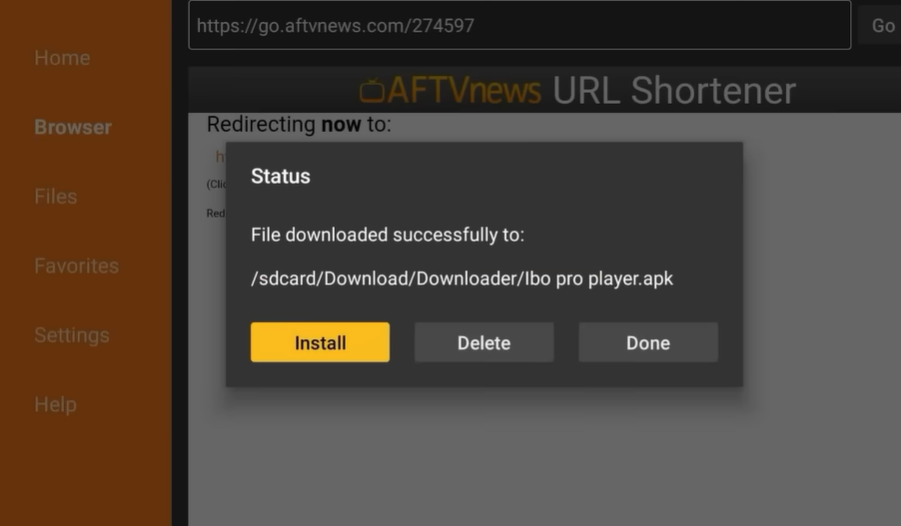
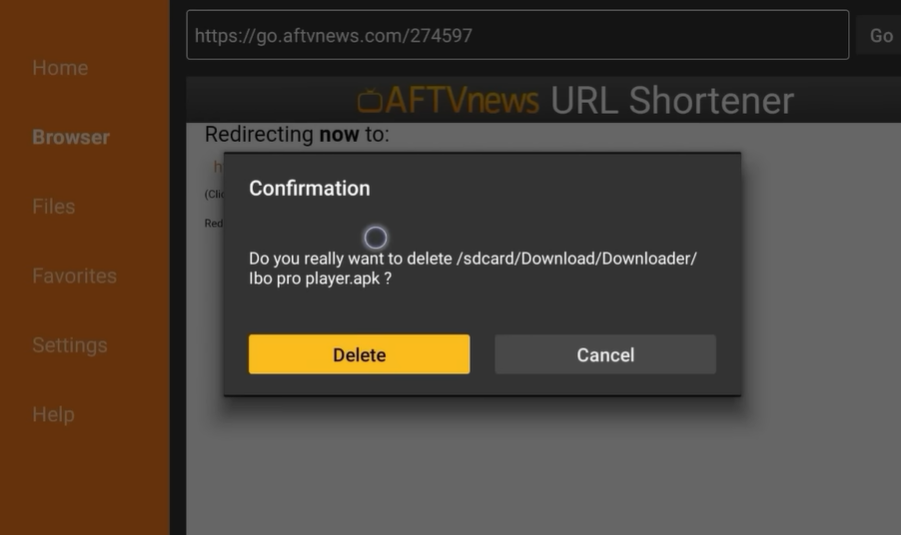
- Once the file downloads, select Install
- Wait a few seconds
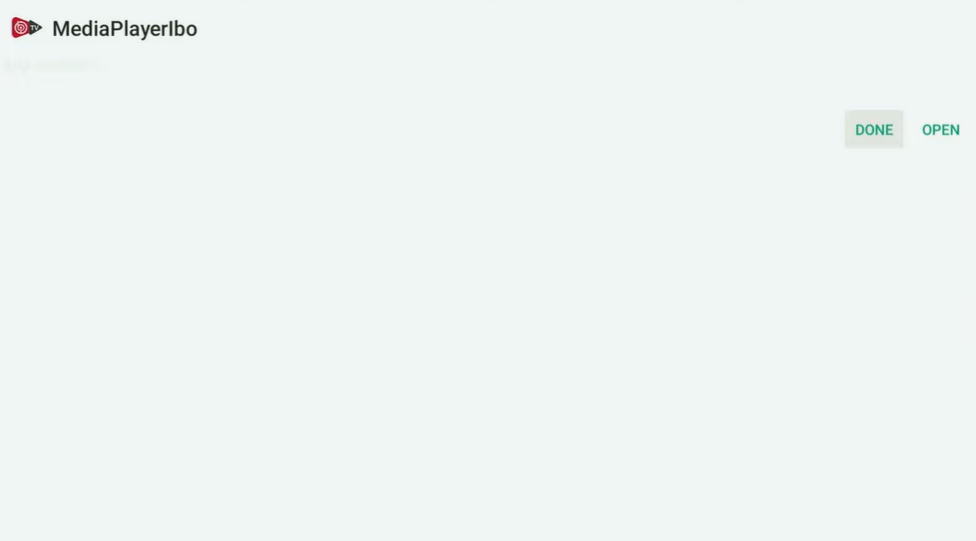
- Press Open
STYPE 1
STYPE 2
STYPE 3
STYPE 4
STYPE 5
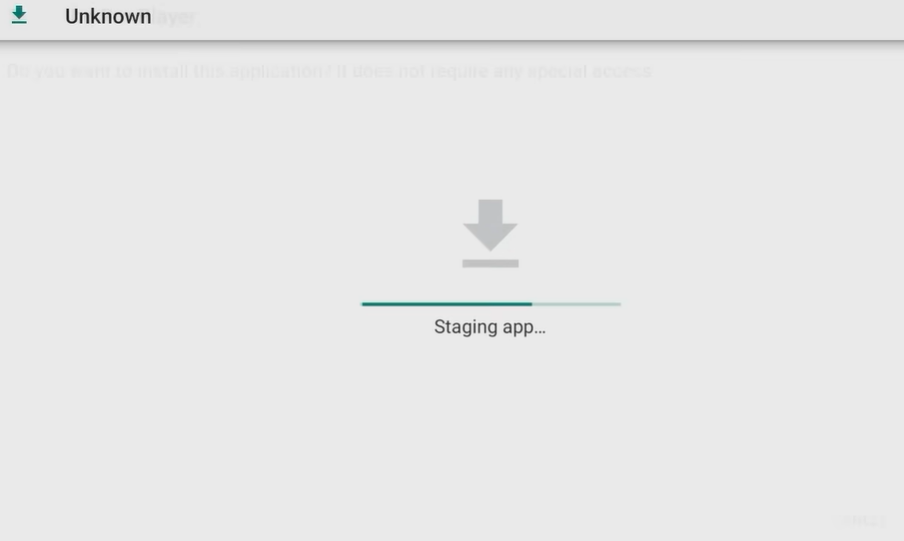
STYPE 6 : install
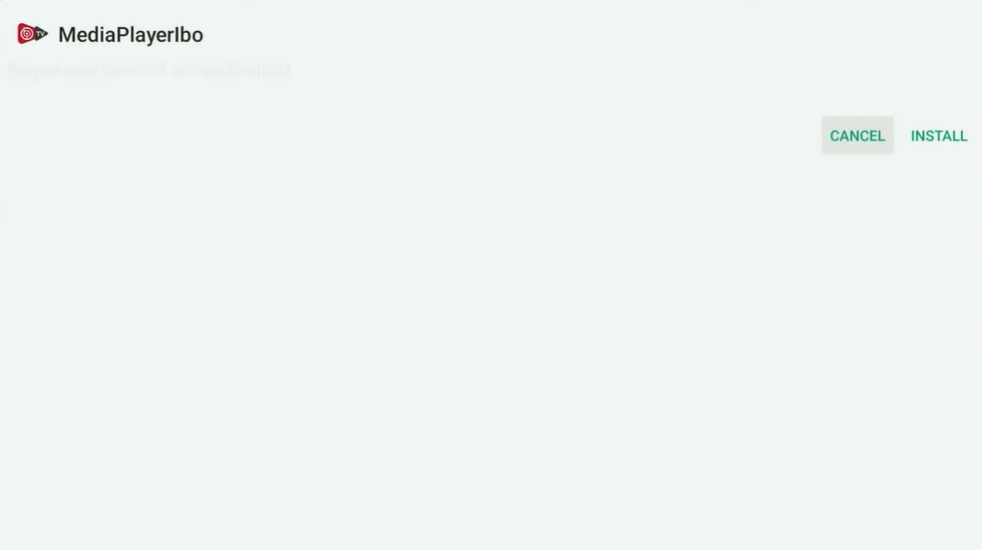
Done
delete
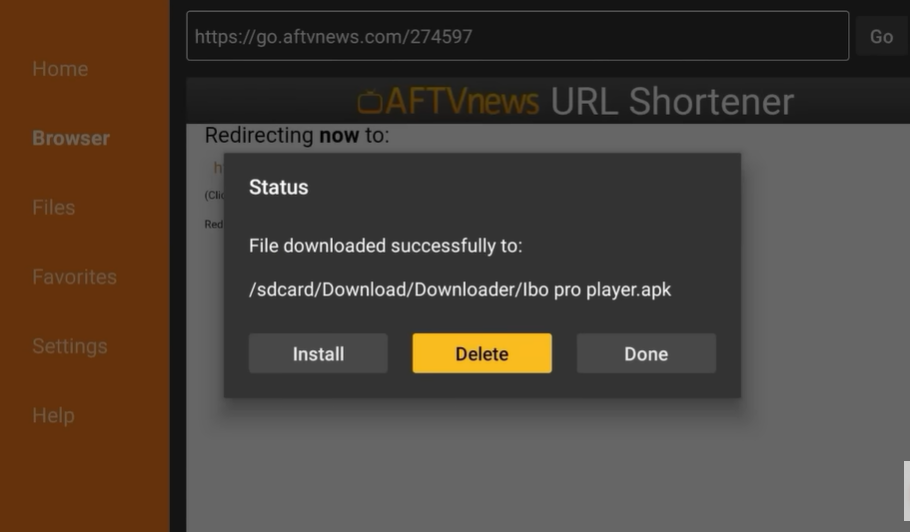
delete
APPS
5️⃣ Open the App
After installation finishes:
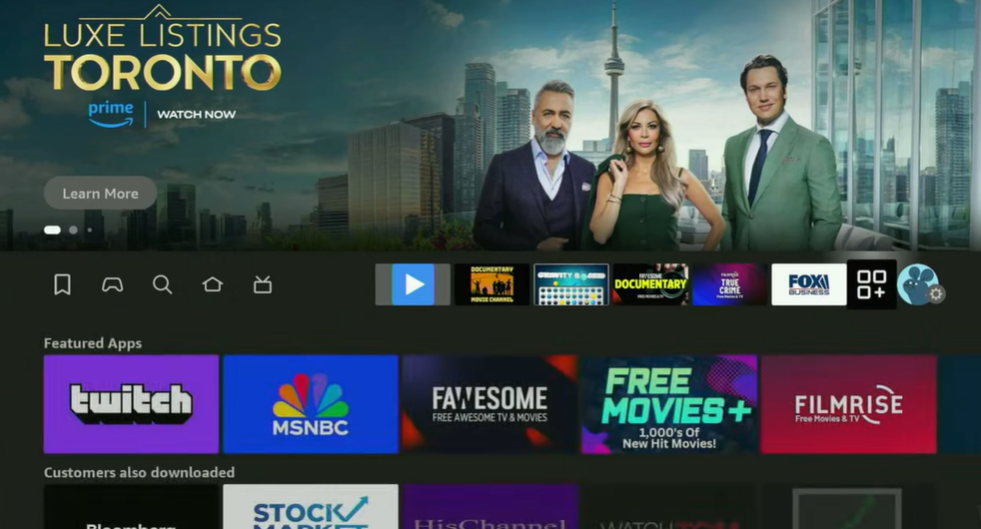
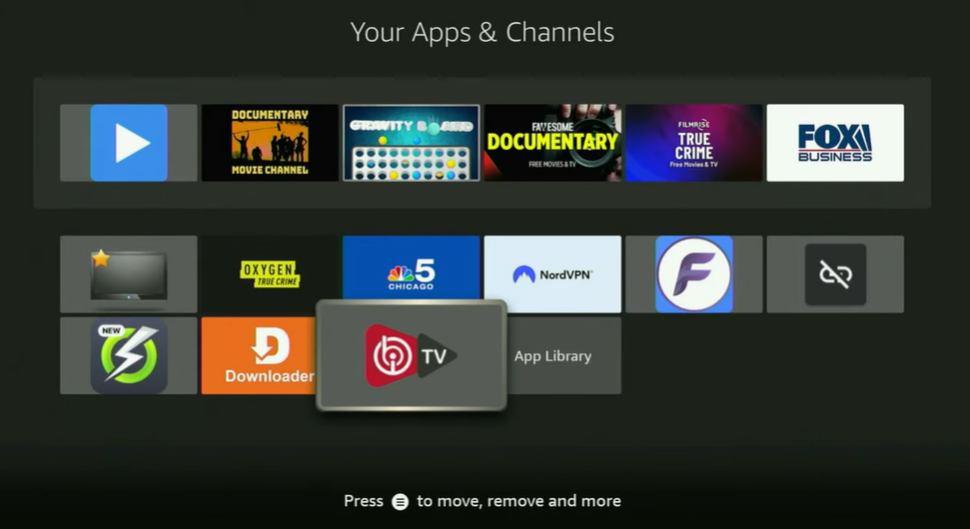
- Go to Your Apps & Channels
- Open IBO PRO PLAYER
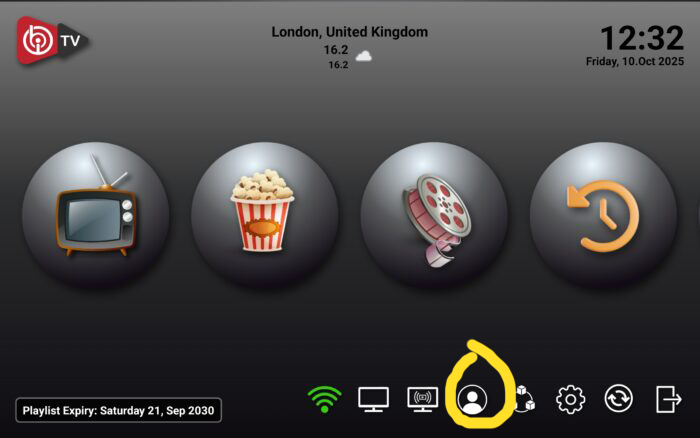
Send the Mac Address To the seller IPTV Here The best seller of iptv services
And now you’re ready for activation.
🔑 How to Activate IBO PRO PLAYER
There are three activation methods inside the app.
Below I explain all of them clearly.
Send the Mac Address To the seller IPTV Here The best seller of iptv services
One-Year Free Activation Note
If the user purchases an IPTV subscription from This sellers ,
➡️ The IBO PRO PLAYER activation is free for one full year.
This helps new users save money and start streaming immediately.
🎟 Get Your IPTV Subscription Here
Frequently Asked Questions (FAQ)
1. Does IBO PRO PLAYER include channels?
No. It is only a player. You must add your own legal IPTV subscription.
2. Is IBO PRO PLAYER free?
The app may require activation, but users who subscribe through us get 1 year free.
3. Can I install IBO PRO PLAYER on any Firestick?
Yes — Firestick Lite, Firestick 4K, Firestick Max, and older models.
4. Is this a safe IPTV player?
Yes. It does not provide content. It only reads playlists.
5. What playlist types are supported?
It supports:
- M3U
- M3U8
- Xtream Codes
- MAC login
6. Is this an official review?
This guide is based on my real personal experience installing the app many times for customers.
Conclusion
IBO PRO PLAYER is one of the best IPTV apps for Firestick in 2026 thanks to its speed, stability, and simple interface. Even if you’re a beginner, installing the app and adding your IPTV subscription is very easy when you follow the steps in this guide.
If you want a smooth, fast, and modern IPTV experience, IBO PRO PLAYER is definitely worth trying — especially with the one-year free activation offered with our IPTV subscription.