I’ve been experiencing an ongoing issue where the Downloader app doesn’t appear in search results on Fire TV devices, especially in Spain. While Amazon assures me that the app is visible, I continue to receive daily messages from users in Spain reporting that they cannot find it.
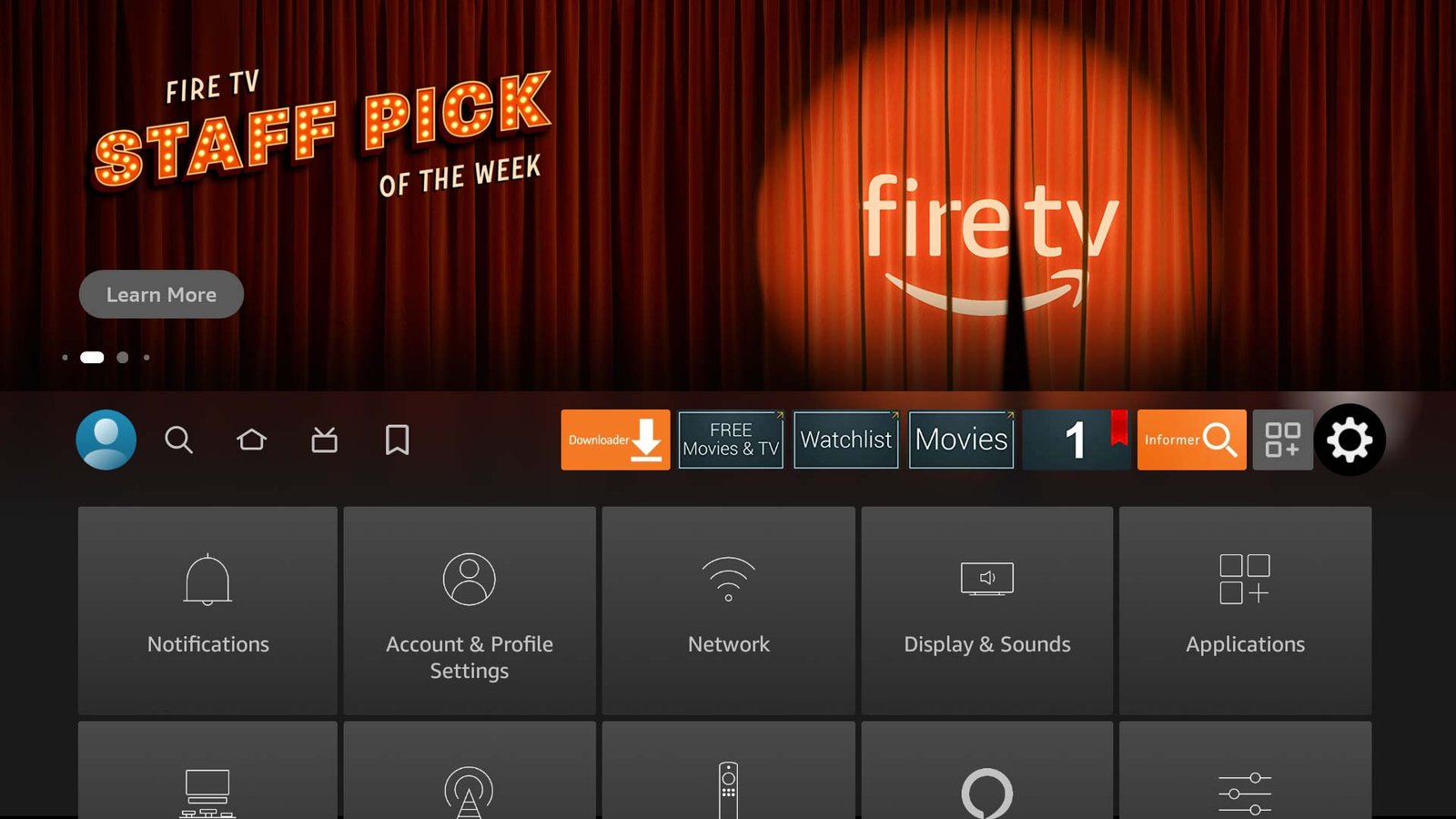
If you’re having trouble locating Downloader on your Fire TV, Fire TV Stick, Fire TV Cube, or Fire TV Smart TV through a regular search, don’t worry—there are several alternative ways to find and install the app.
Method 1: Find Downloader in the Appstore “Utilities” Category
Quick Instructions:
Open the Appstore on your Fire TV, go to the All Categories tab, select Utilities, and look for Downloader in the list.
Full Instructions:
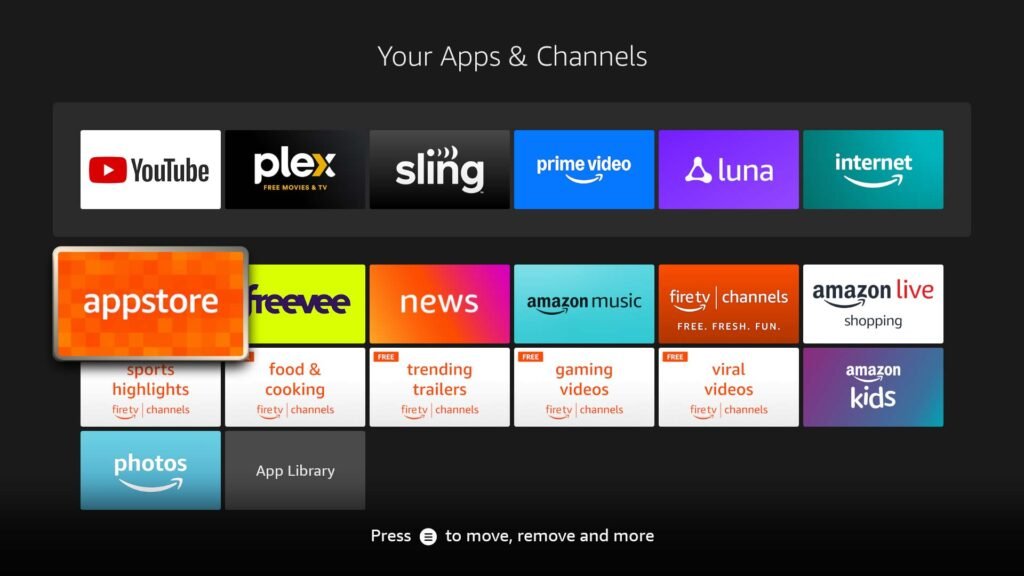
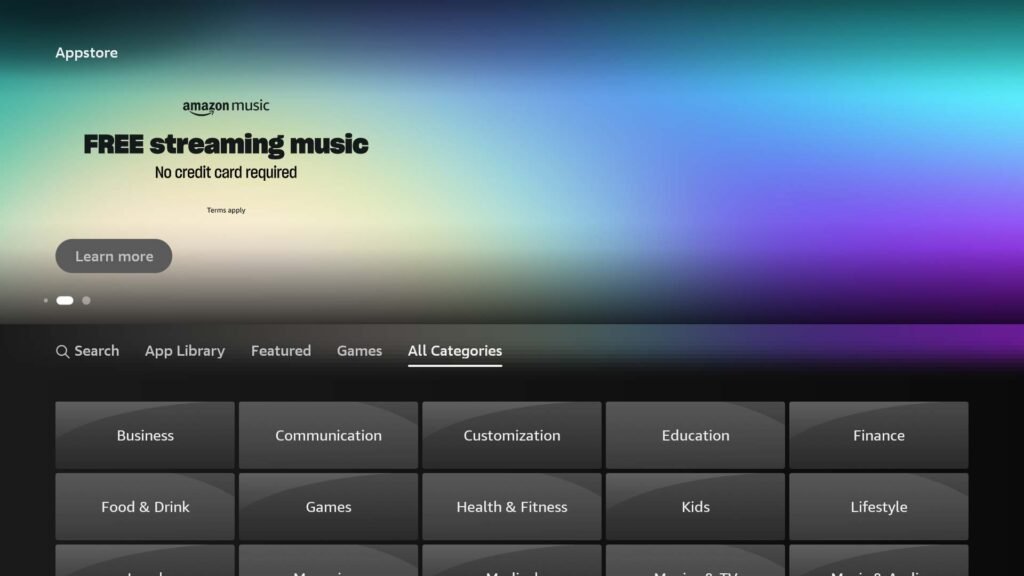
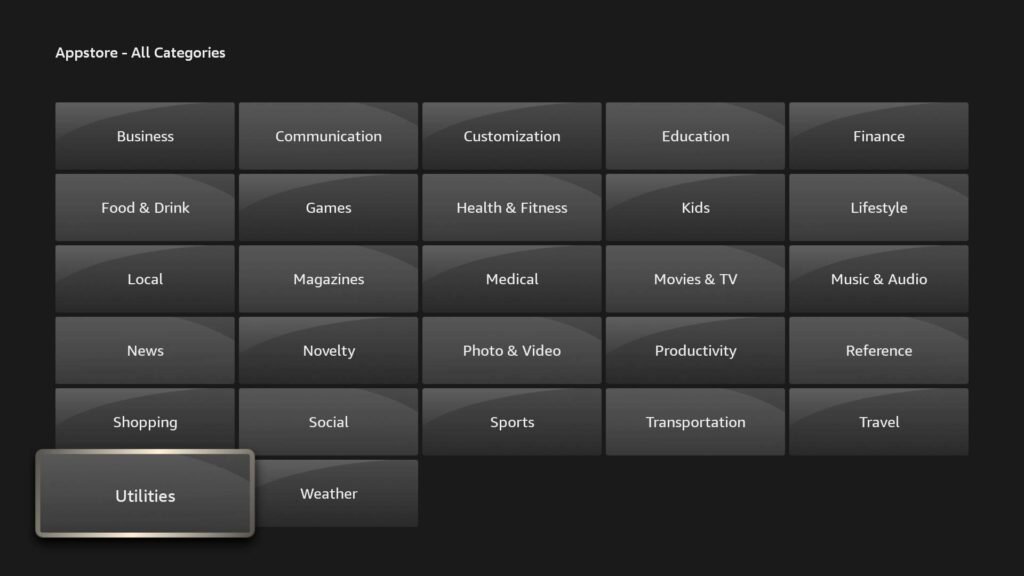
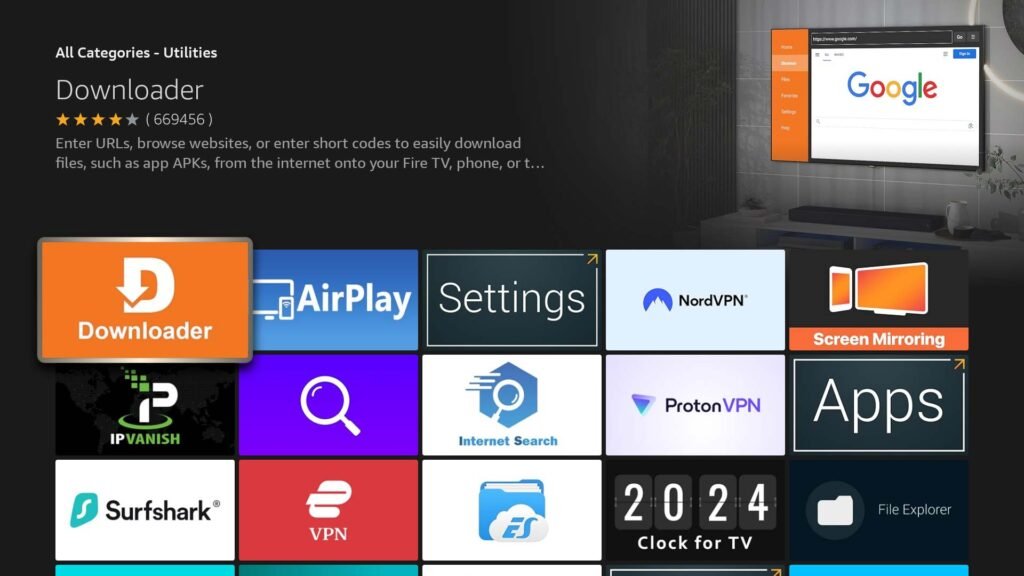
Launch the Appstore app on your Fire TV. You can locate it in your apps list or simply say “Open Appstore” or “Go to Appstore” into your remote’s microphone. Once inside, navigate to All Categories, choose Utilities, and scroll through the list to find Downloader.
Select the “All Categories” tab.
Select the “Utilities” category.
Find and select the “Downloader” app.
Method 2: Use the “Customers Also Bought” Section
If you open an app related to Downloader, scroll down to the “Customers Also Bought” section. There’s a good chance Downloader will appear in that list. Apps you can check include Bookmarker, Developer Options, VLC, and Emby.
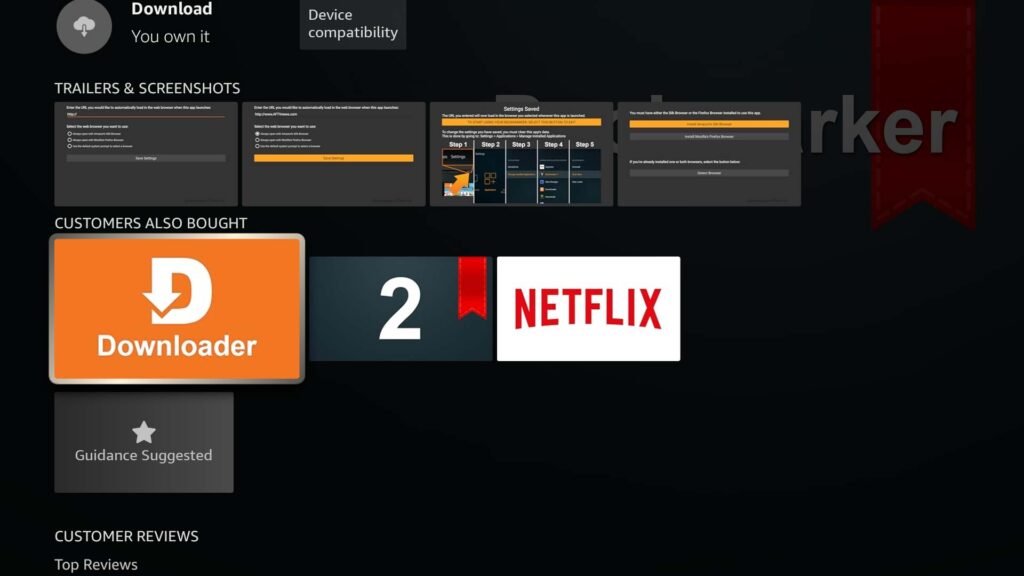
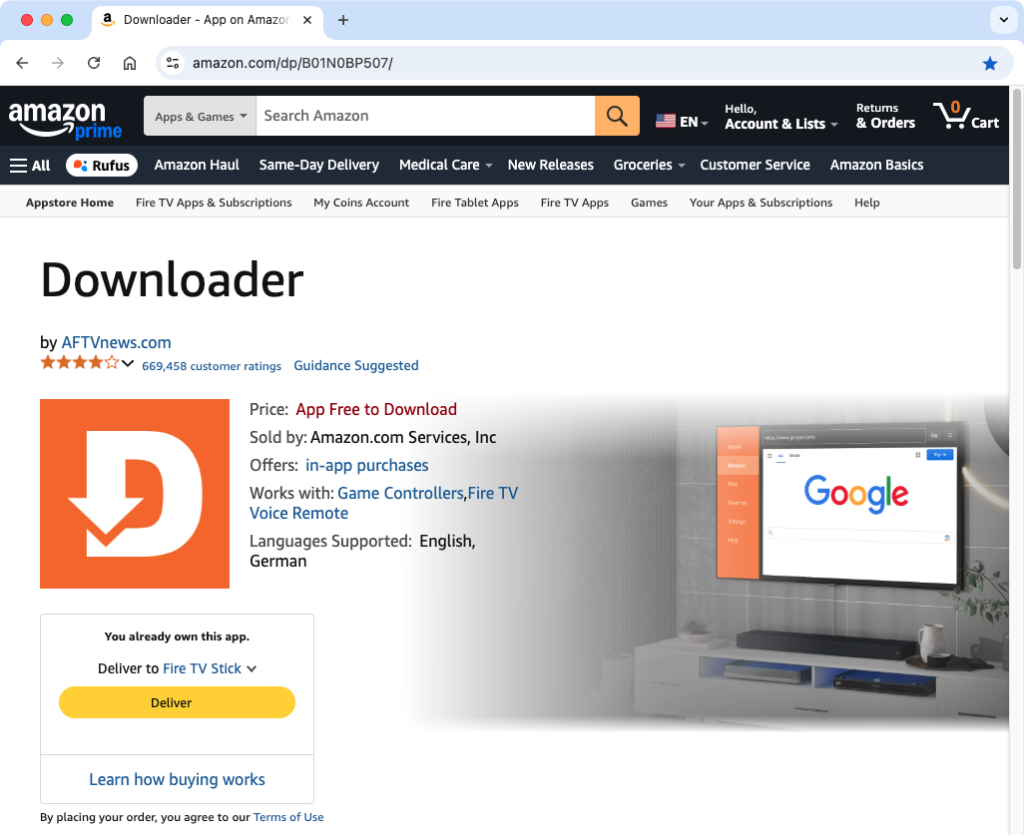
Method 3: Send Downloader to Your Fire TV via Amazon Website
You can install Downloader on your Fire TV directly from the Amazon website using a phone, tablet, or computer. Here’s how:
- Open the Downloader app page on your country’s Amazon website.
- Log in to your Amazon account.
- From the drop-down menu, select the Fire TV device you want to install Downloader on.
- Click the “Deliver” button.
Downloader will be automatically installed on your Fire TV within a few minutes.
Downloader App Links by Country:
- Australia: amazon.com.au/dp/B01N0BP507
- Brazil: amazon.com.br/dp/B01N0BP507
- Canada: amazon.ca/dp/B01N0BP507
- France: amazon.fr/dp/B01N0BP507
- Germany: amazon.de/dp/B01N0BP507
- Italy: amazon.it/dp/B01N0BP507
- Japan: amazon.co.jp/dp/B01N0BP507
- Mexico: amazon.com.mx/dp/B01N0BP507
- Spain: amazon.es/dp/B01N0BP507
- UK: amazon.co.uk/dp/B01N0BP507
- US: amazon.com/dp/B01N0BP507